How Fidaro Works
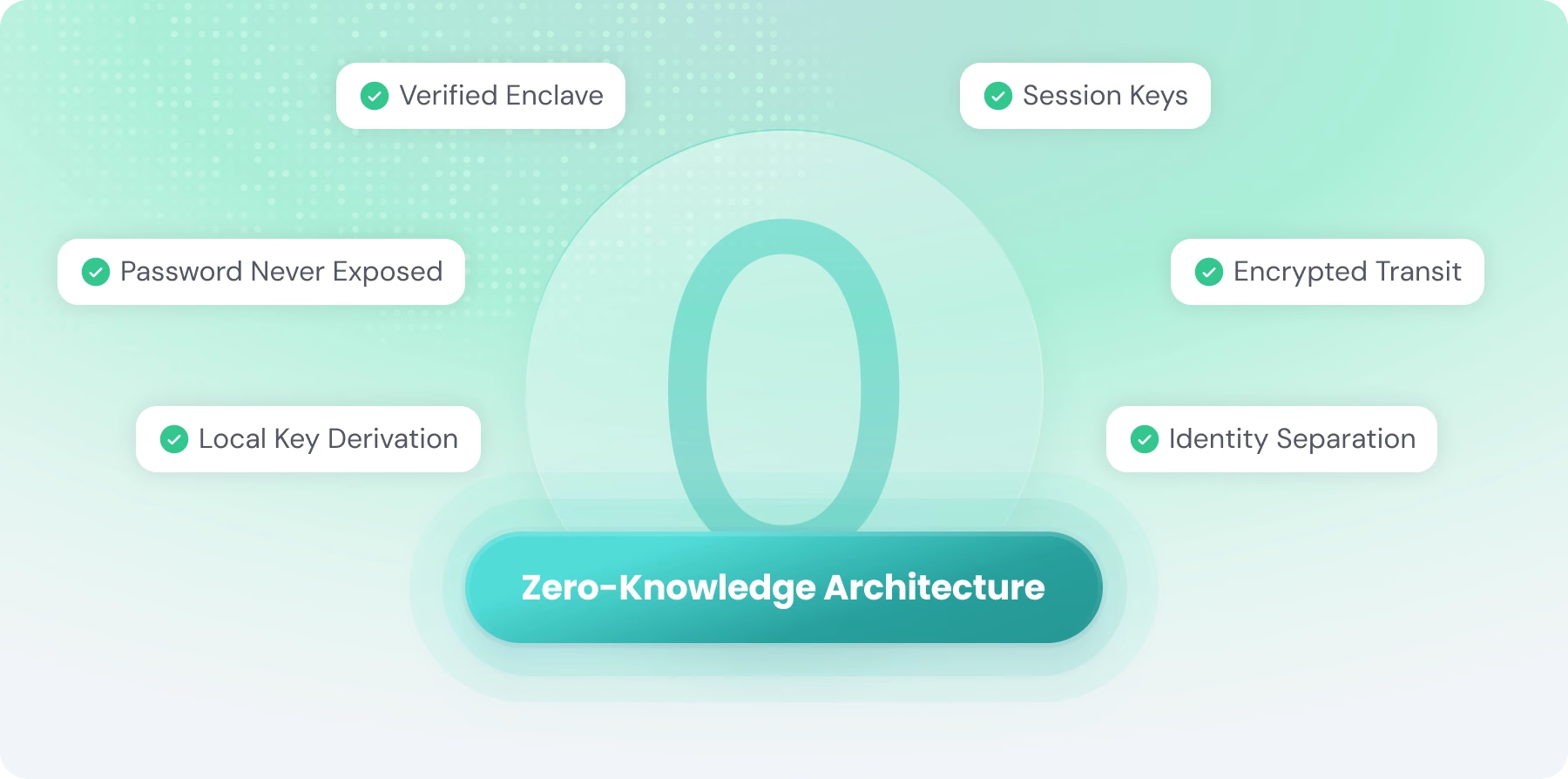
Fidaro is zero-knowledge: your conversations are end-to-end encrypted, unreadable to Fidaro’s own servers, and never used to train AI models.
Table of Contents
- Introduction
- The Confidential Computer: Hardware-Backed Privacy
- Attestation: Cryptographic Proof Before Trust
- Your Passkey Unlocks Your Vault
- Recovery and Multiple Devices
- A Private Channel into the Enclave
- In-Flight Encryption: Protecting Messages During Transit
- Separation of Concerns: Dividing Identity from Content
- Encrypted Storage: Protecting Your Chat History
- The Result: Privacy by Design
Introduction
Fidaro secures your AI conversations through an architecture that keeps your messages private at every stage. Unlike traditional AI services, where your conversations pass through company servers in readable form, Fidaro encrypts your data before it leaves your device and keeps it encrypted through every step of processing. The system combines a hardware-isolated confidential computer, attestation you can verify, and Passkey-based encryption to create a service where we genuinely cannot read your messages, even if we wanted to.
This addresses a fundamental problem with most AI services today: you have to trust that companies won't look at your data, won't be breached, and won't be compelled to hand over your information. Fidaro replaces that trust with mathematics and hardware. Privacy isn't enforced by policy; it's enforced by system design.
Two ideas do most of the work. First, the entire backend runs inside a confidential virtual machine: a computer whose memory is encrypted by the processor itself, so that even the people who operate the servers cannot see what happens inside. Second, the key that decrypts your data is derived from your Passkey on your own device and never reaches us. The rest of this document walks through how these pieces fit together.
1. The Confidential Computer: Hardware-Backed Privacy
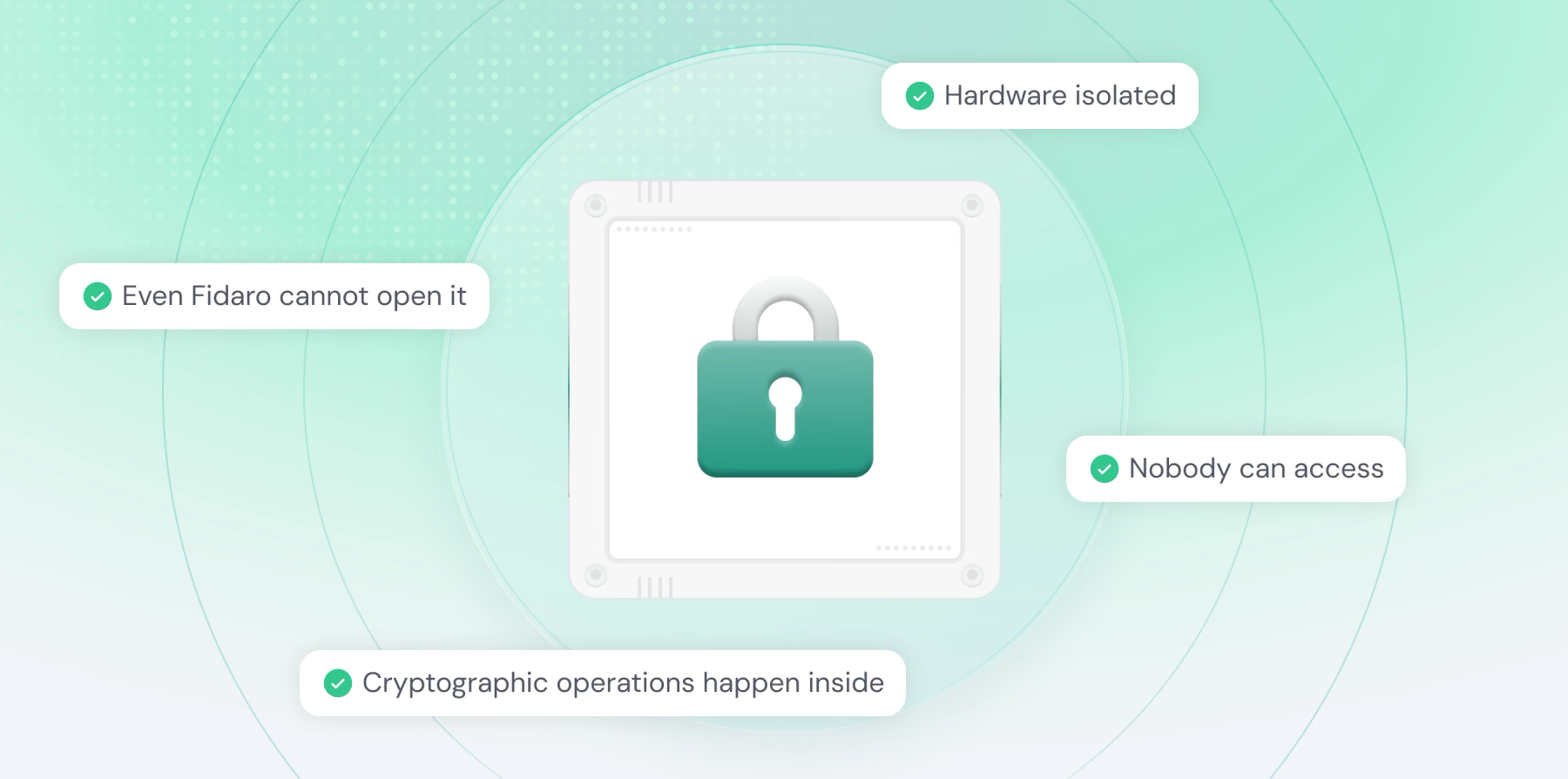
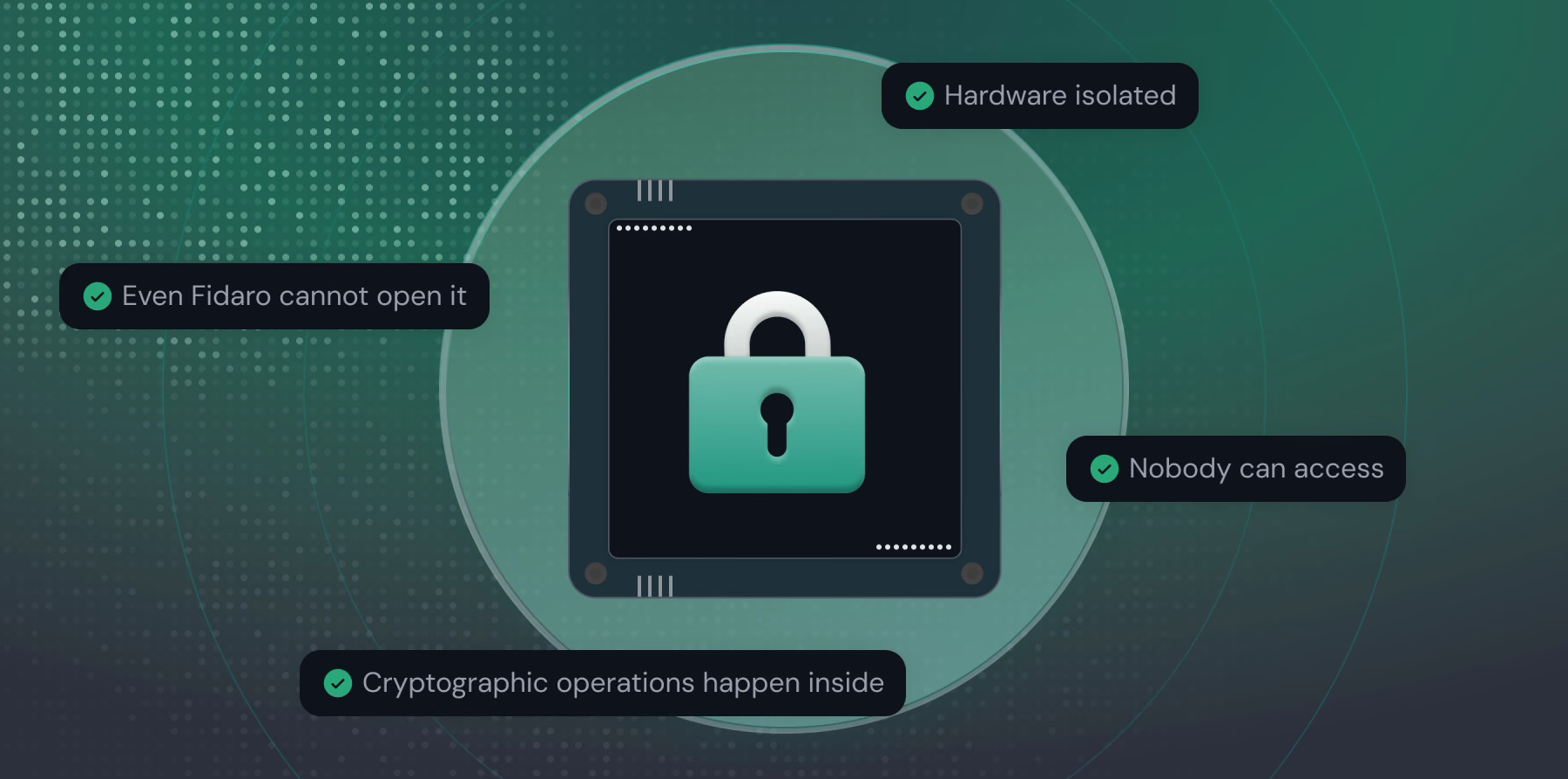
At the heart of Fidaro's security model is a Confidential Virtual Machine, or CVM, running on Intel's TDX technology. A confidential VM is an ordinary-looking server with one extraordinary property: the processor encrypts its memory and shields it from everything outside, including the host operating system, the cloud provider, and our own administrators. Think of it as a vault built into the server, one that even we cannot open. Whatever runs inside is invisible from the outside.
Everything that touches your unencrypted messages runs inside this single protected environment: the component that holds the encryption keys, the relay that routes requests, and the AI model itself. Because they all live inside the same hardware-isolated boundary, your message is only ever readable in a place that no operator, engineer, or infrastructure provider can observe. If our surrounding infrastructure were completely compromised, an attacker still could not reach inside the CVM to read what's being processed.
What makes this powerful is that the CVM isn't just isolated; it's verifiable. Before your device trusts it with anything sensitive, it demands cryptographic proof that the CVM is genuine and running exactly the code we published. That verification is called attestation, and it's what turns "trust us" into "verify for yourself."
2. Attestation: Cryptographic Proof Before Trust
Attestation is how your device confirms it is talking to the real, untampered CVM before sending any sensitive data. When your browser connects, it asks the CVM for a signed attestation, a report produced by the processor itself that contains precise measurements of the exact software running inside. Think of it like a passport that can't be forged: it proves not just that the environment exists, but that it is running the specific code we published and nothing else.
Your device checks this report against Intel's certificates and against the measurements we publish. It confirms the hardware signature is genuine, that the report was freshly generated for this request, and that the measurements match the expected values down to the byte. Crucially, the report is cryptographically tied to the encryption key the CVM will use for your session, so a verified report also proves you'll be talking to that exact protected environment and not an impostor in the middle. If any check fails, whether altered code, an invalid signature, or an unexpected measurement, your device refuses to continue.
This happens automatically, before a private channel is ever established, and it doesn't rely on trusting our word.
3. Your Passkey Unlocks Your Vault
Fidaro deliberately separates two questions that most services blur together: who are you? and can you read your data? The first is identity; the second is your encryption vault. Keeping them apart means that even our own login system never comes near the keys to your messages.
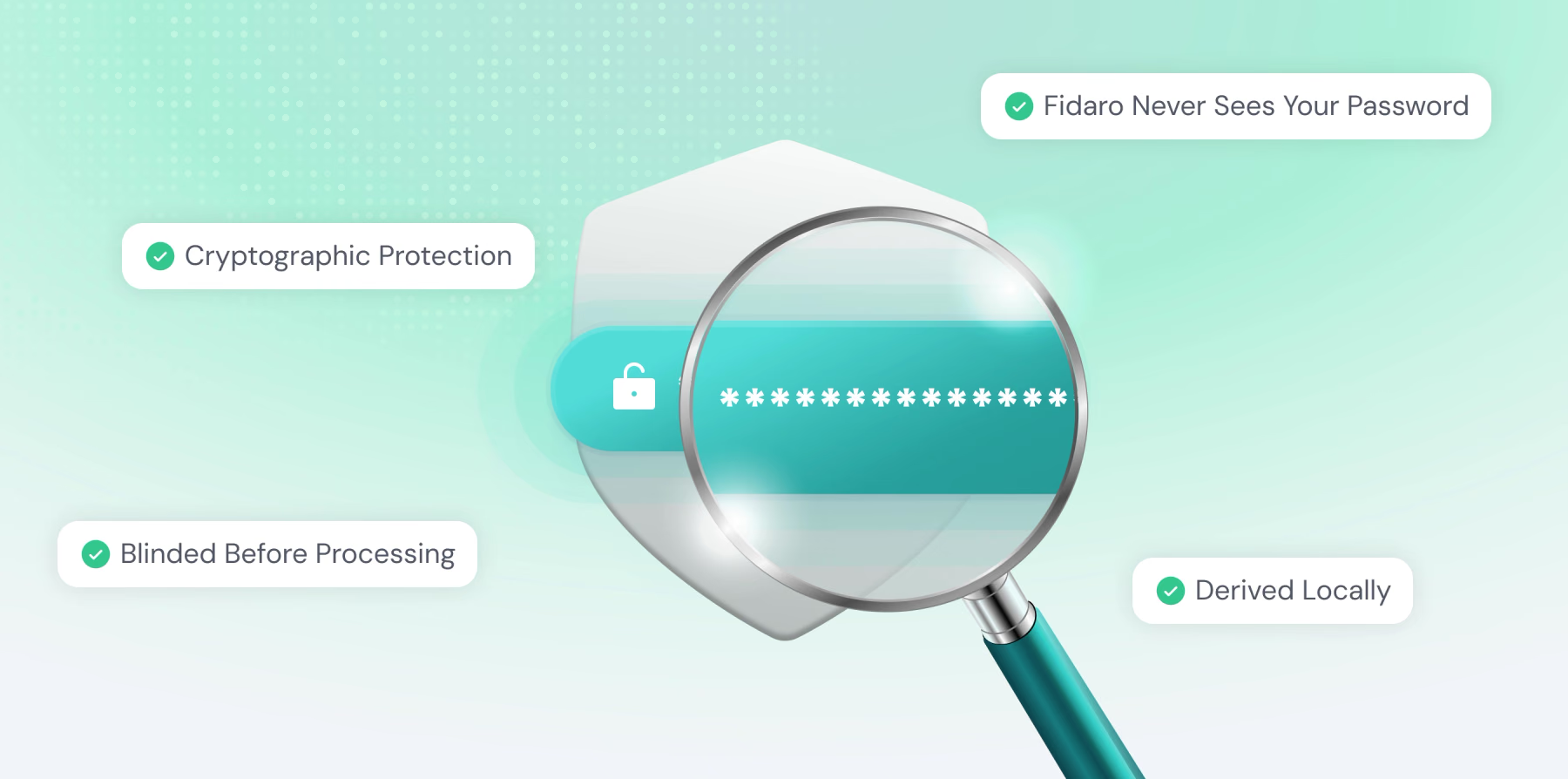
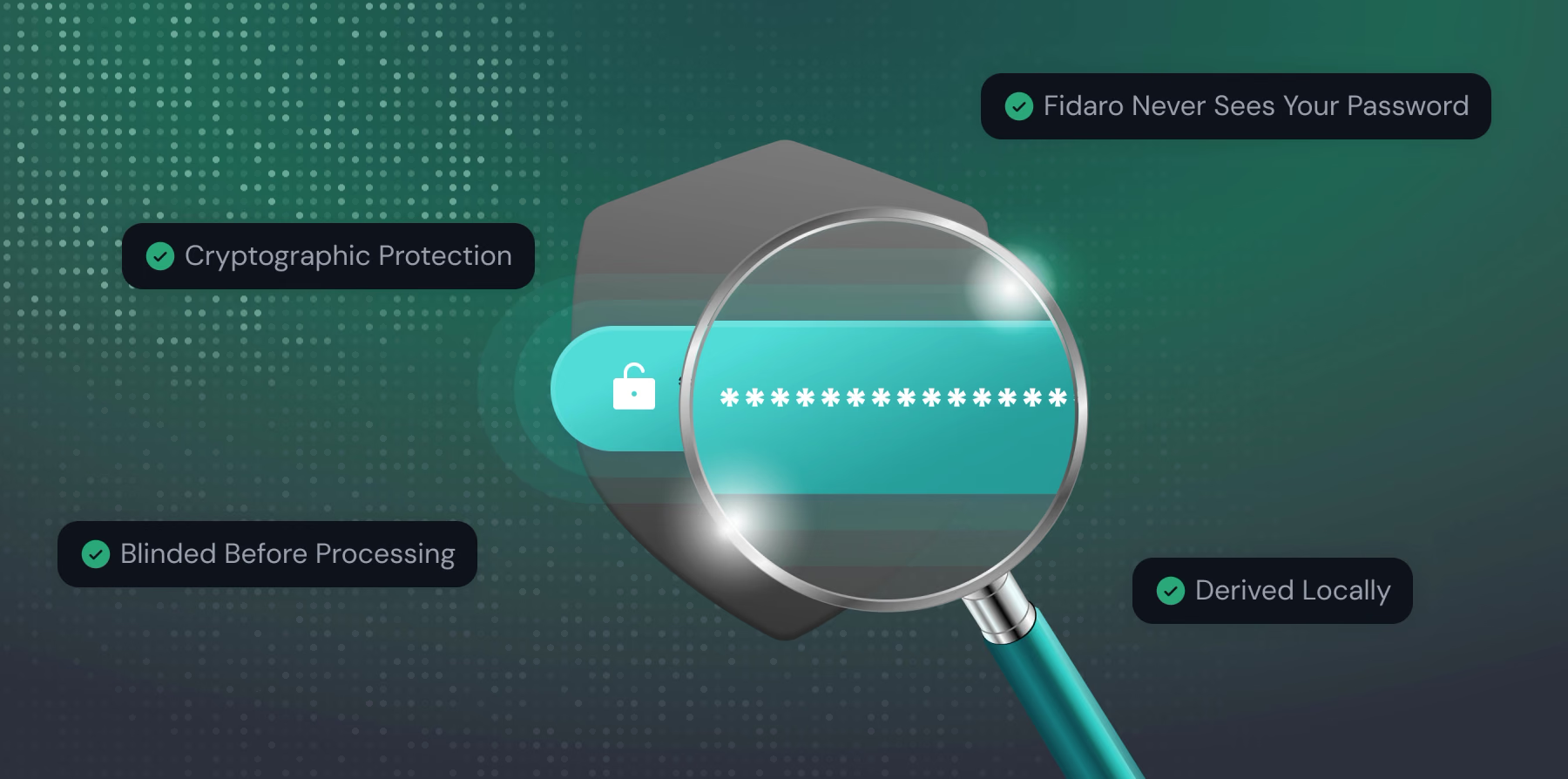
For identity, you sign in with a passwordless email link. That proves who you are and gives you a session, but it grants no ability to decrypt anything. The keys to your data come from somewhere else entirely: a Passkey. A Passkey is the same technology that lets you unlock apps with Face ID, a fingerprint, or your device PIN, a credential that lives in your device's secure hardware and never leaves it. Fidaro uses a capability of modern Passkeys that lets your authenticator produce a secret unique to your Passkey each time you use it. Your browser turns that secret into your encryption key, locally, on your machine.
This is the crucial property: that secret, and the key derived from it, never travel to our servers. We store only an encrypted bundle containing your data key, locked so that it can only be opened by the secret your Passkey produces. When you unlock your vault, your browser asks your Passkey for the secret, derives the key, and opens the bundle, all on your device. We never see your Passkey's secret, never see the derived key, and never see your data in readable form. Because the secret comes from hardware you control, we cannot be compelled to hand over something we never possess, and an attacker who guessed at your data would get nowhere without your physical Passkey.
4. Recovery and Multiple Devices
Because the key to your data lives with your Passkey, Fidaro gives you two ways to stay in control across devices and over time. Most modern Passkeys sync securely through your platform, such as iCloud Keychain or Google Password Manager, so signing in on a new phone or laptop reproduces the same Passkey secret and unlocks the same vault automatically, with nothing extra to do.
For everything else, you can generate a recovery code: a short list of ordinary words that encodes a strong, random secret. Behind the scenes, this code is put through a deliberately slow, memory-intensive process to derive a second key that can also open your vault, and that key wraps a separate encrypted copy of your data key. The words are shown to you once and never stored on our servers. If you arrive on a device that doesn't have your Passkey, entering the recovery code unlocks your vault and then re-secures it under a fresh Passkey on that device. As with everything else, the recovery secret only ever exists on your device; we keep nothing that could open your data on our own.
5. A Private Channel into the Enclave
Every time you start a conversation, your device and the CVM establish a fresh encrypted channel using a protocol called Noise. The session keys for this channel last about fifteen minutes, are generated new each time, are never reused, and are never written down anywhere. This gives what cryptographers call forward secrecy: even if a future key were somehow exposed, it could not be used to unlock traffic from past sessions.
Setting up the channel takes a brief two-message handshake. Your device generates a one-time key pair and combines it mathematically with the CVM's public key, the same key that was vouched for during attestation. The CVM responds with its own one-time key pair. After this exchange, both sides have independently arrived at the same session keys without ever transmitting them. They exist only in your browser and inside the verified CVM, and nowhere else in our infrastructure knows them.
The important detail is that these keys are bound to the specific environment your device just verified. You're not establishing a secure channel with "some server"; you're establishing it with the exact, attested, hardware-isolated CVM running the code we published. When the fifteen minutes are up, both sides discard the keys. An attacker who recorded today's encrypted traffic as it crossed our network, then breached our systems tomorrow and captured the session keys in use by then, still could not read what they recorded: the keys that protected it were ephemeral and no longer exist.
6. In-Flight Encryption: Protecting Messages During Transit
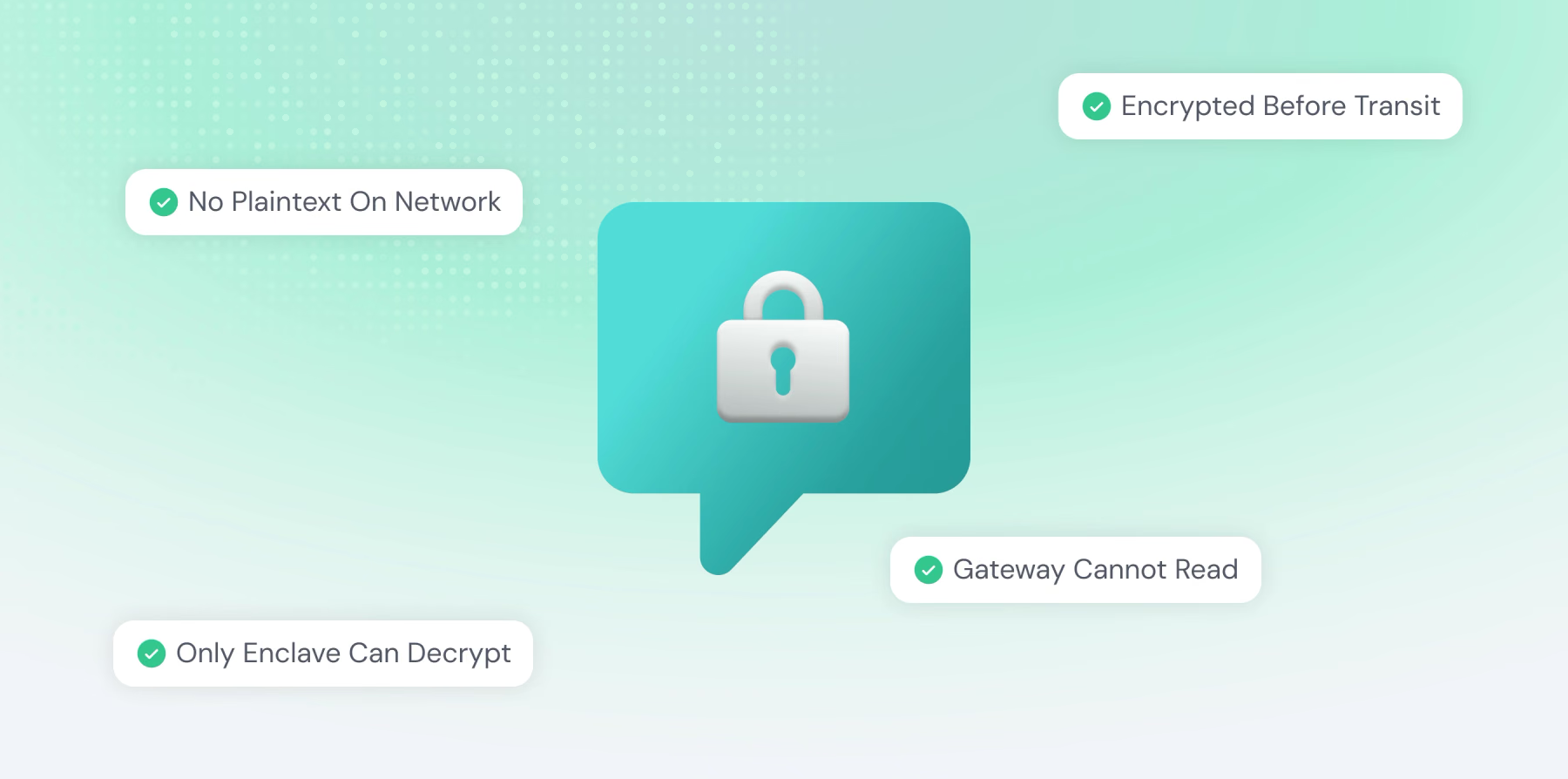
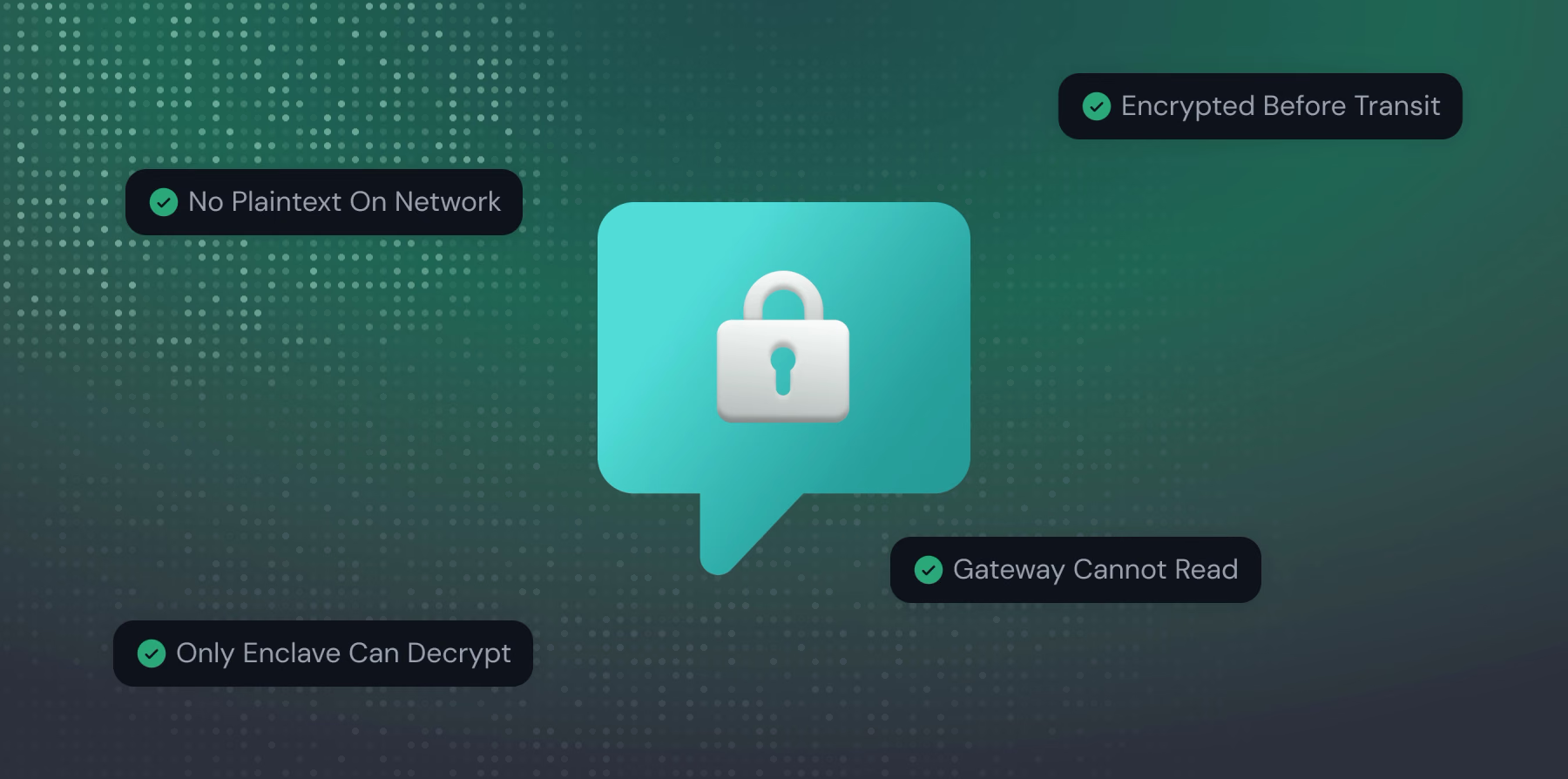
When you send a message, it is encrypted on your device before it ever touches our network. Your browser uses the session keys to seal the message into a payload that is meaningless to anyone without those keys. That sealed payload then travels through our infrastructure: web servers, load balancers, network equipment. It stays completely unreadable the entire way.
What makes this distinctive is where the message is finally opened: inside the confidential VM. Our gateway acts as a plain relay, passing the sealed payload along without the ability to open it; it doesn't hold the session keys, only your browser and the CVM do. Inside the protected environment, the message is decrypted, handed to the AI model for processing, and the response is sealed again before it leaves. The gateway sees nothing but encrypted blobs flowing in and out.
At no point does your message exist in readable form outside your browser and the hardware-protected CVM. Our servers, load balancers, and network equipment only ever handle encrypted data they cannot open. Even thorough infrastructure logging would reveal nothing, because there is nothing to reveal: the keys live only in your browser and inside the CVM's shielded memory.
A small amount of non-content information does travel alongside the encrypted message, such as which model to use and, after a response, how many tokens it used, so we can enforce limits and account for usage. This is deliberate and limited to operational metadata. The actual content of your prompts and the model's replies is never among it.
7. Separation of Concerns: Dividing Identity from Content
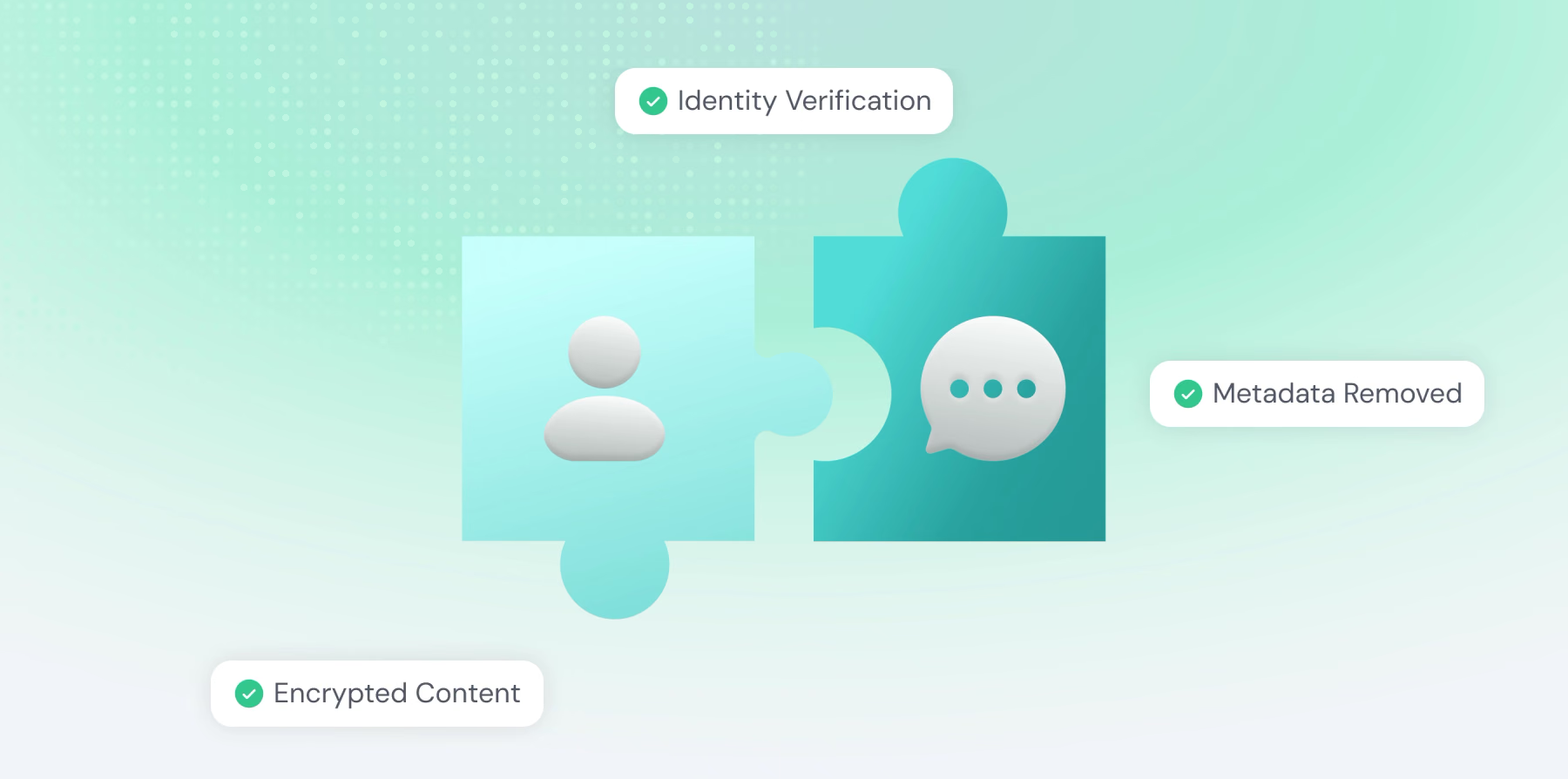
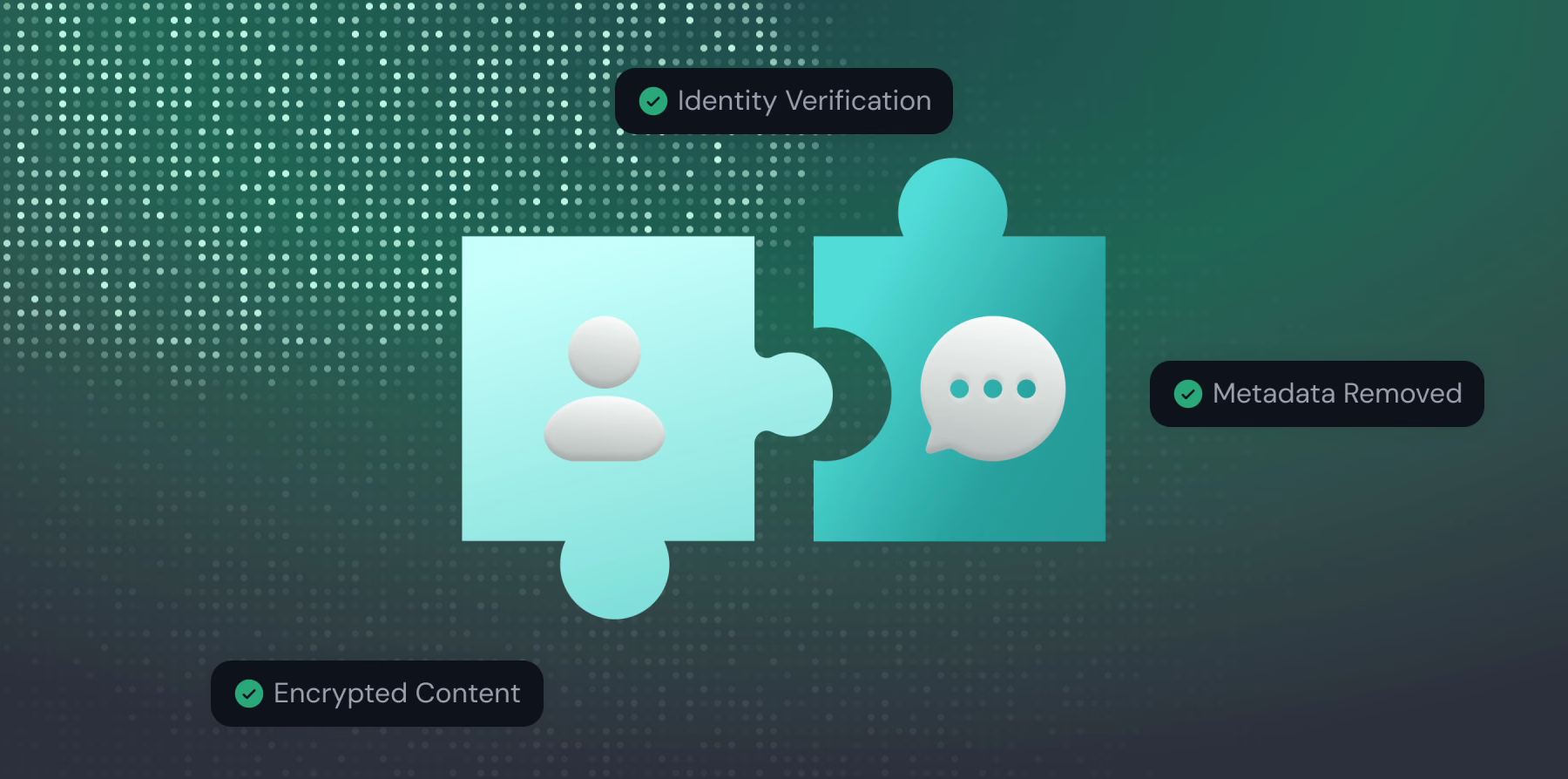
One of Fidaro's core architectural decisions is making sure no single system can connect who you are with what you say. Even if one part of our infrastructure were compromised, an attacker could not link your identity to your message content.
Our identity system handles your email address and issues the session tokens that prove you're signed in. It never sees your message content, and, as described above, it never holds the keys to your data. It verifies who you are and stays completely separate from the message pipeline.
The gateway that relays your encrypted messages, meanwhile, operates without knowing who you are. Before your requests reach it, our front-end strips away cookies, authentication tokens, IP addresses, and other identifying metadata, and forwards only what's needed to process the request. The gateway sees encrypted content it cannot open, with no way to tell which person sent it. One side of our system knows who you are but not what you're saying; the other knows what is being asked but not who is asking.
8. Encrypted Storage: Protecting Your Chat History
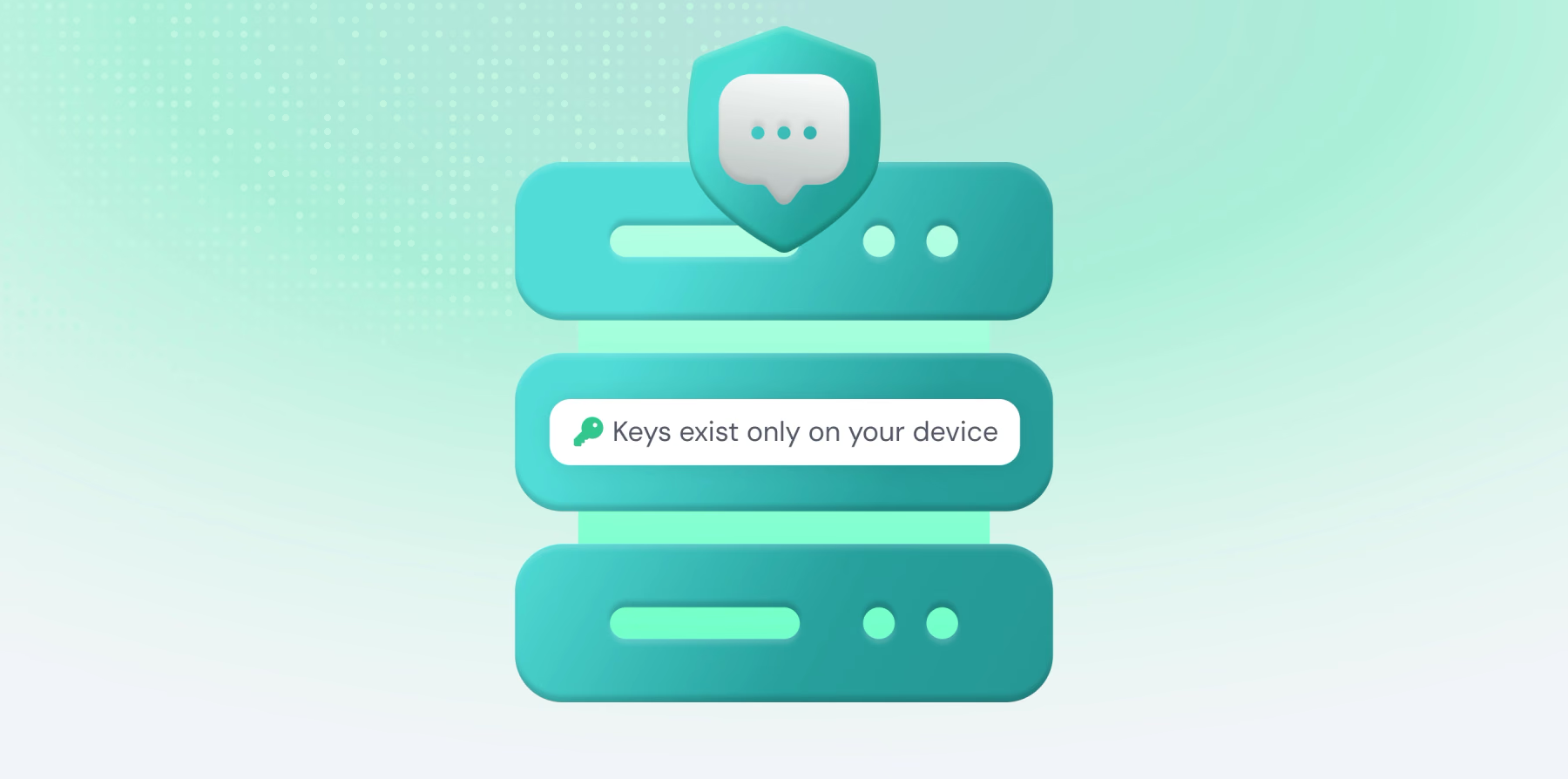
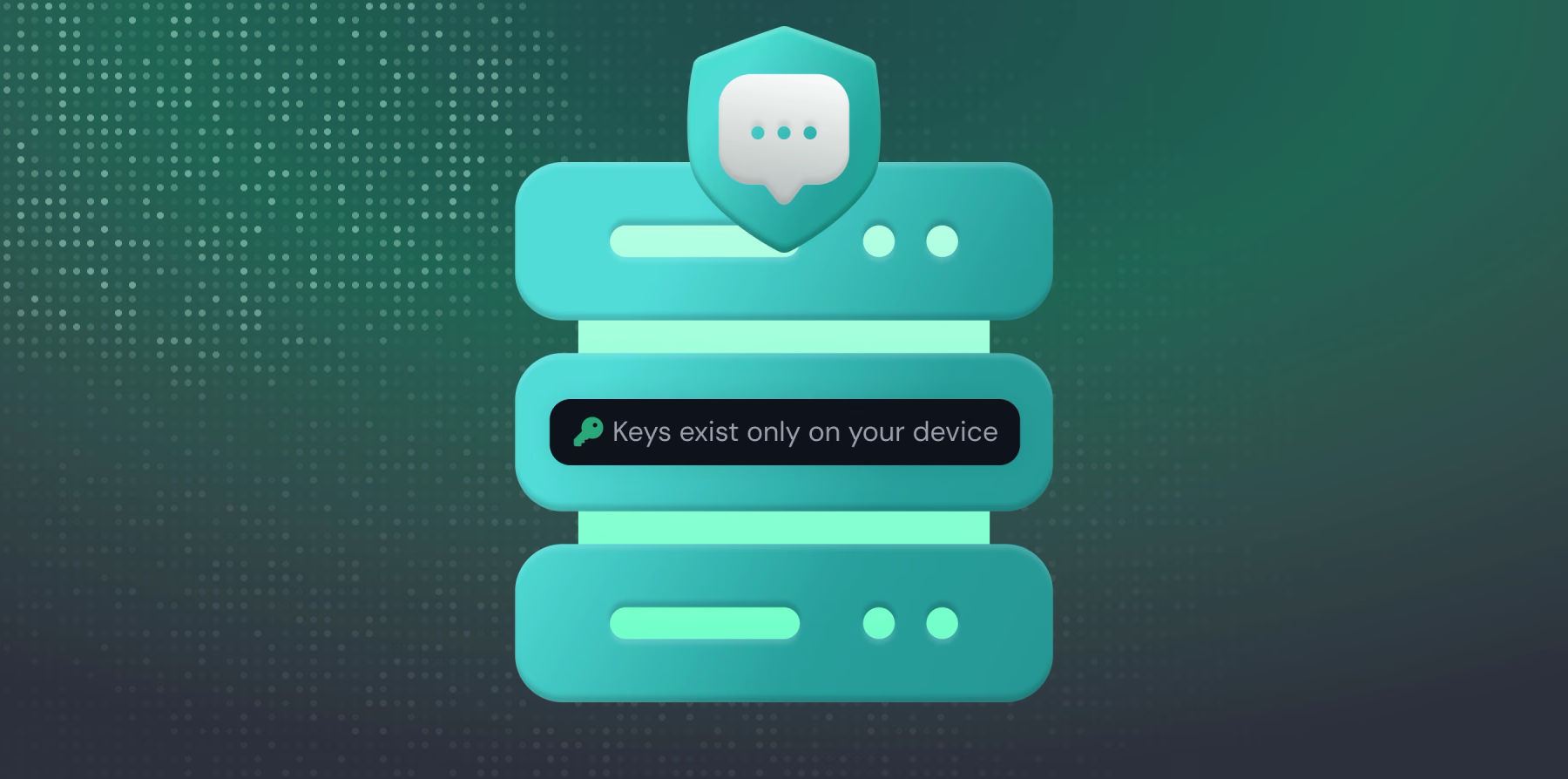
Your conversation history is encrypted before it is ever stored. We sync the encrypted data across your devices so your history follows you, but the keys needed to read it exist only on your devices, derived from your Passkey through the process described earlier. The encrypted blobs may live on our servers; the means to decrypt them never do.
Every message and conversation title is encrypted on your device with your data key before it is sent for storage, and so is the way you organize them — the name, description, and instructions you give a Project are encrypted in exactly the same way. Even the role of each message, whether you or the assistant wrote it, is sealed inside the encrypted payload, so the stored records reveal as little as possible. Without the key, which we never receive, the stored data is just meaningless bytes. We can hold encrypted history, but we cannot read it.
To balance security with convenience, your browser keeps your vault unlocked for up to eight hours of activity, re-securing as you go. After a period of inactivity the vault locks, and a quick Passkey check re-derives your key and restores access. The key is held only for the active session and is wiped from memory when you lock the vault or sign out; it is never sent to us and never stored anywhere we can reach.
The Result: Privacy by Design
These layers combine into a system where privacy is built into the structure rather than promised on top of it. Your identity and your data are kept apart. The key to your messages is derived from your Passkey on your own device and never reaches us. Messages stay encrypted from the moment they leave your browser until they're opened inside a confidential computer whose memory no operator can see, and they're sealed again before they leave. The history we store is encrypted with keys we don't have, and the session keys that protect each conversation expire and disappear.
We designed it this way on purpose: to remove our own ability to read your messages, even under pressure to do so. There are no master keys in our possession, no store of decrypted conversations, no logs of message content. An attacker who compromised our entire infrastructure still could not connect the who to the what in any meaningful way.
Privacy in Fidaro isn't a policy or a promise to be careful. It's a property of the architecture itself: a service built, deliberately, so that we know nothing about what you're saying.
Frequently asked questions
What is a Confidential Virtual Machine (CVM)?
It’s a special server whose memory and communication channels are encrypted by the processor itself, shielded from the operating system, the cloud provider, and even Fidaro’s administrators. Think of it as a vault built into the server that even we cannot open. Everything that touches your unencrypted message lives inside this boundary.
Is there independent verification of this, or is the CVM claim just something Fidaro says?
Attestation is the verification. Before any conversation begins, your device checks cryptographic proof, called attestation, that confirms exactly what code is running and that it matches what we’ve published. This check happens automatically, every time, and comes from the processor itself rather than from us. If anything doesn’t match, your device refuses to connect.
What happens if Fidaro’s servers are breached or an employee goes rogue?
It wouldn’t matter. Your messages are only ever readable inside the CVM, never anywhere in our surrounding systems. There is no database, admin tool, or internal screen that shows message content, so there is nothing for an attacker or an employee to find.
If you don’t keep any records of my messages, how do you fix bugs or improve the product?
We look at operational metadata, such as which model handled a request and how long a conversation ran, so we can manage usage and limits. The model itself also assigns each conversation a broad topic label, such as "coding" or "writing help," as part of generating its response inside the CVM. Only that label leaves the protected environment; the message that produced it never does. We never look at what you or the AI actually wrote, unless you choose to share something with us directly, like through a support request.
Can Fidaro connect my identity to what I said, even behind the scenes?
No, and this is on purpose. One part of our system knows who you are (your email, your login). A completely separate part handles your actual messages, and it never knows who you are. We built it this way so no single part of Fidaro ever has both pieces at once.
Why do I need a Passkey instead of just a password?
A password only proves it’s you logging in, it doesn’t protect your data on its own. A Passkey is the same technology that unlocks apps with Face ID, a fingerprint, or your device PIN. It lives in your device’s secure hardware and never leaves it. Fidaro derives your encryption key from your Passkey, locally on your machine, so the key to your data comes from hardware you control and is never sent to Fidaro. That’s something a password can’t do.
Is what I type actually protected while it’s being sent, not just afterward?
Yes. Each session opens a private channel directly between your device and the CVM, with keys that exist only in those two places. That channel resets on a regular basis, so even a future compromise couldn’t unlock a past conversation.